
If your bracelet hits the desk while you type, take it off for that block of work rather than holding your wrist differently to keep it clear. Before buying a replacement, identify the part that touches: the bottom of the band, a clasp, or a hanging detail. Ordering a smaller size will not tell you whether that part clears your desk.
Find the part that reaches the desk
Use your usual keyboard and mouse positions. Notice where the bracelet sits when you reach for the keys, then look underneath your wrist. A clasp beneath the wrist needs a different comparison from a charm hanging beside the hand. A wide cuff also occupies a different area from a narrow chain.
Take a photograph of the contact point if you plan to ask a seller about another design. "This buckle touches the laptop when I reach for the trackpad" gives them more to work with than "I need an everyday bracelet." Do not press the jewelry against the computer to find out whether it will leave a mark.
Include the mouse and trackpad in the decision
A bracelet on your other wrist may avoid one contact point and meet another. If you type with both hands, switching sides does not remove the need to check both wrists. If you use a mouse with that hand, consider the mouse position too.
Keep the keyboard where you normally use it. Do not buy a bracelet on the assumption that you will lift your arm or reach farther throughout the day. If you want jewelry for meetings but prefer bare wrists at the computer, wearing it between desk sessions is a reasonable choice.
Ask for the underside, not another front view
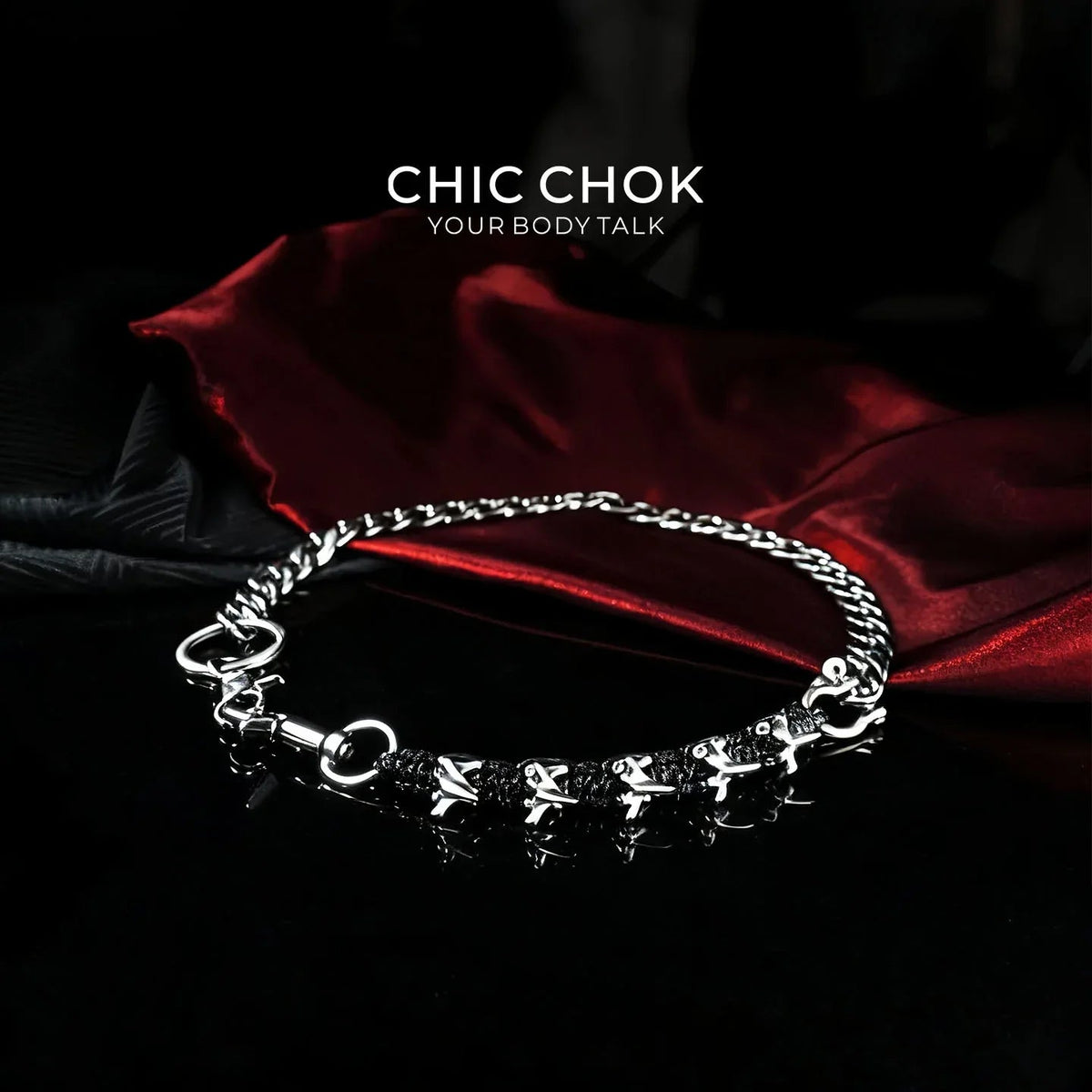
For a replacement, ask to see the exact design from the side and underneath, with its fastening closed. Check the width of the band and how far a clasp or decoration projects beyond it. A front-facing product photo may show the finish you like without showing the part nearest your laptop.
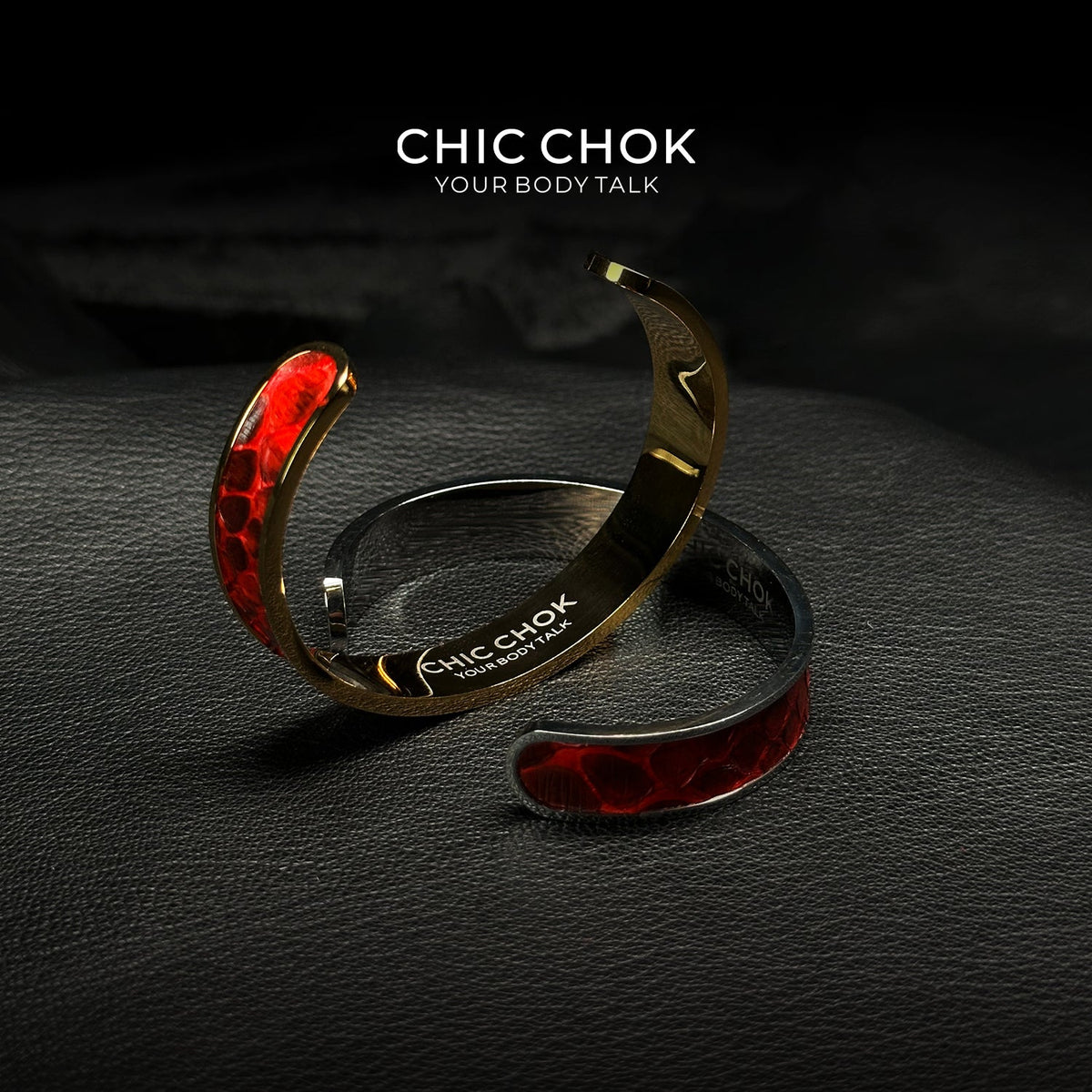
The CHICCHOK Classic Open Bracelet is one design you could compare. Its catalog includes separate color options, including Red Gold. The photograph below shows the curved bands and different finishes; it does not demonstrate typing or establish how the bracelet will sit on your wrist. Ask about the exact option before treating it as a solution to desk contact.

Do not use "open," "adjustable," or a wrist-size range as a promise of desk clearance. Those details concern different aspects of the fit. Ask the seller to clarify any conflicting fit wording, and do not squeeze a rigid band to move its underside away from the desk.
Plan where the bracelet goes while you work
If you remove jewelry at your desk, keep a separate pouch or compartment for it rather than leaving it beside the keyboard. Put it away before opening or closing the laptop. You can choose a bracelet for the rest of your day without requiring it to work through every computer task.
Before ordering a style you expect to remove often, check its fastening and removal sequence. Choose a design you can take off without forcing the opening or needing help you will not have at work. Wrist fit, fastening access, and desk contact are separate questions; a useful product demonstration should answer the one you are trying to resolve.